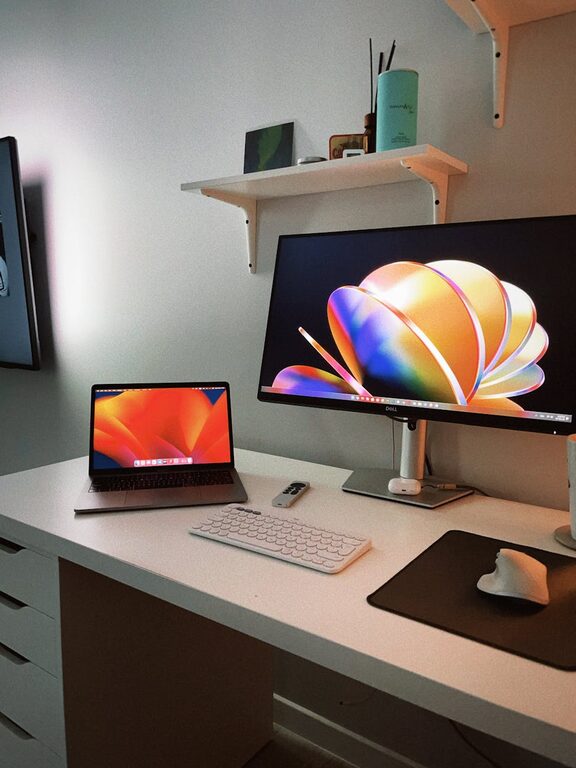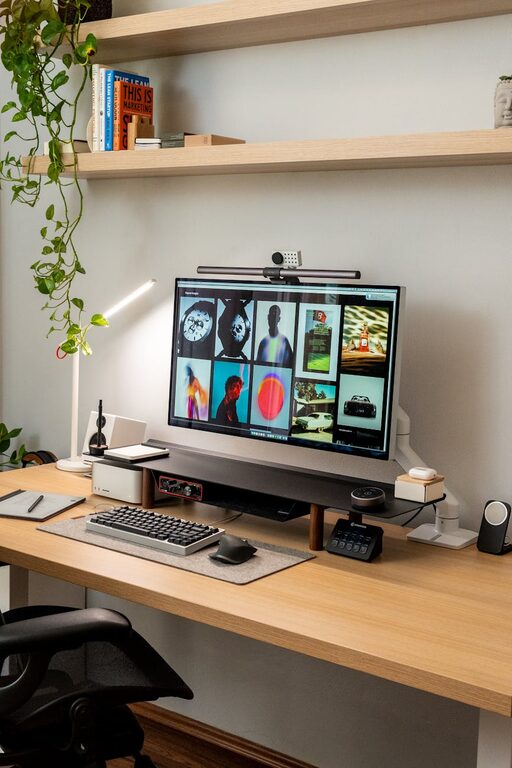



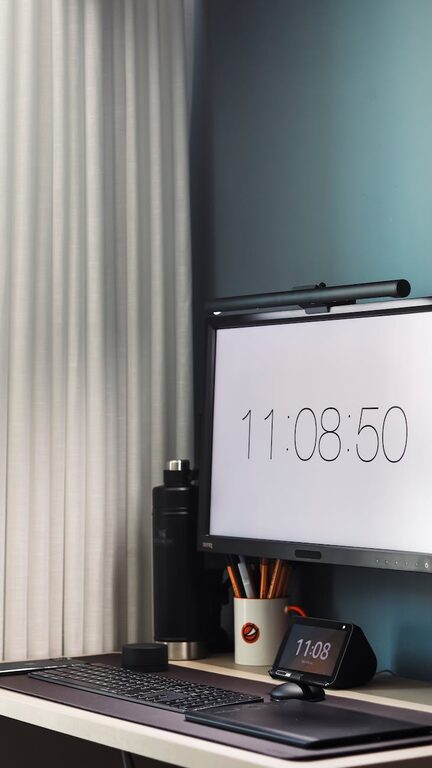
Creating a clutter-free home office is essential for boosting productivity and maintaining focus throughout your workday. A well-organized workspace reduces distractions, saves time searching for supplies, and cultivates a calm atmosphere ideal for getting work done efficiently.
Whether you’re working from home full-time or occasionally, these practical tips will help you transform your office space into an organized and inviting area that supports your best work.
1. Start with a Clean Slate
Before you organize, it’s important to clear everything out of your workspace. Remove all items from your desk, shelves, and drawers. As you do this, sort everything into three categories:
– Keep: Items you need regularly or are essential to your work.
– Discard: Broken, outdated, or unnecessary supplies and papers.
– Relocate: Things that belong elsewhere in the house.
This step helps you visualize exactly what you have and what you really need in your office.
2. Choose the Right Furniture and Layout
Your furniture layout impacts your comfort and efficiency. Select a desk with enough surface space for your computer, paperwork, and any tools you need daily.
When arranging your furniture:
– Position your desk near a natural light source if possible, as daylight improves mood and alertness.
– Use an ergonomic chair that supports your posture during long work hours.
– Keep frequently used items within arm’s reach to avoid unnecessary movement and interruptions.
3. Maximize Storage Solutions
Clutter often accumulates when there’s nowhere to store items properly. Consider the following storage tips:
– Use drawer organizers to separate pens, paper clips, and other small items.
– Incorporate vertical storage such as wall-mounted shelves or pegboards to free up desk space.
– Store papers in labeled folders or binders; consider filing cabinets or portable file boxes.
– Keep books upright in a bookshelf or use bookends to prevent them from spilling.
4. Adopt a Paper Management System
Paper clutter can quickly take over a home office. To keep it under control:
– Go digital when possible by scanning documents and saving electronic copies.
– Use a inbox tray for incoming papers you need to address.
– Sort mail and documents daily or weekly to avoid piles growing.
– Recycle or shred papers you no longer need.
5. Declutter Your Desk Daily
Make tidying up a part of your daily routine. Spend a few minutes at the end of each workday putting items back in their place and clearing your desktop.
This habit ensures your workspace stays clean and ready for the next day, reducing stress and enhancing focus.
6. Manage Cables and Electronics
Cables can create a tangled and distracting mess. Here are some tips to keep them organized:
– Use cable clips or ties to bundle cords neatly.
– Label cables to easily identify them when unplugging or troubleshooting.
– Invest in a power strip with surge protection for all your devices.
– Hide cables behind furniture or inside cable management sleeves to maintain a neat appearance.
7. Personalize Thoughtfully
Adding personal touches can make your home office more enjoyable without causing clutter. Choose meaningful but minimal decor such as:
– A small plant to add greenery and fresh air.
– A favorite photo or artwork.
– A stylish lamp for better lighting.
Keep decorations limited to a few items to maintain focus and reduce distractions.
8. Maintain an Organized Digital Workspace
Your computer desktop and files should be organized as well:
– Use folders and consistent naming conventions for documents.
– Delete unnecessary files regularly.
– Bookmark important websites and use productivity apps.
– Keep your email inbox organized using folders and filters.
9. Use Productivity Tools to Stay on Track
Consider incorporating planners, calendars, or task management apps to keep your work organized. Tools like a whiteboard or corkboard near your desk help track deadlines and visualize tasks clearly.
10. Review and Refresh Periodically
Organization is an ongoing process. Set aside time every month or quarter to reassess your workspace, declutter as necessary, and adjust your setup based on your current needs.
—
By implementing these tips, you can create a clutter-free home office that helps you stay productive, focused, and comfortable throughout your workdays. Keep refining your space and habits, and you’ll enjoy a more efficient and enjoyable work experience at home.